What is Zigbee?
Zigbee is a wireless communication protocol for IoT devices. It operates at 2.4GHz, consumes minimal energy and creates a mesh network — each device also acts as a repeater, automatically extending coverage.
It's ideal for sensors, switches and bulbs that need low power consumption and reliable communication over long distances.
Zigbee vs Wi-Fi advantage: A single AA battery in a Zigbee sensor lasts 1–3 years. The same battery in a Wi-Fi sensor will last a few weeks.
What you need
- USB Zigbee Coordinator — e.g. SONOFF Zigbee 3.0 USB Dongle Plus
- Home Assistant installed on a thin client, Raspberry Pi or other hardware
- Zigbee2MQTT add-on or ZHA (Zigbee Home Automation) integration
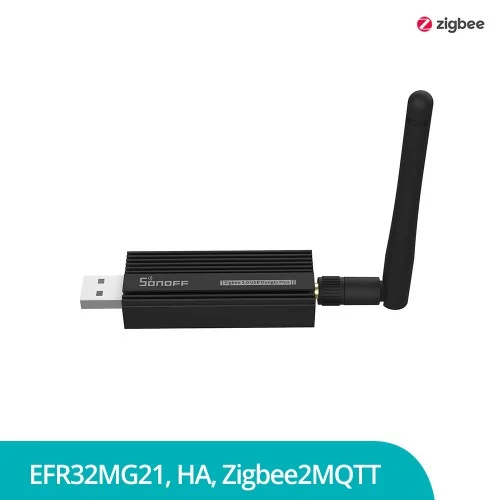
USB Dongle Installation
Plug the USB dongle into the server running Home Assistant. If using Home Assistant OS, the system automatically recognises the device as /dev/ttyUSB0 or /dev/ttyACM0.
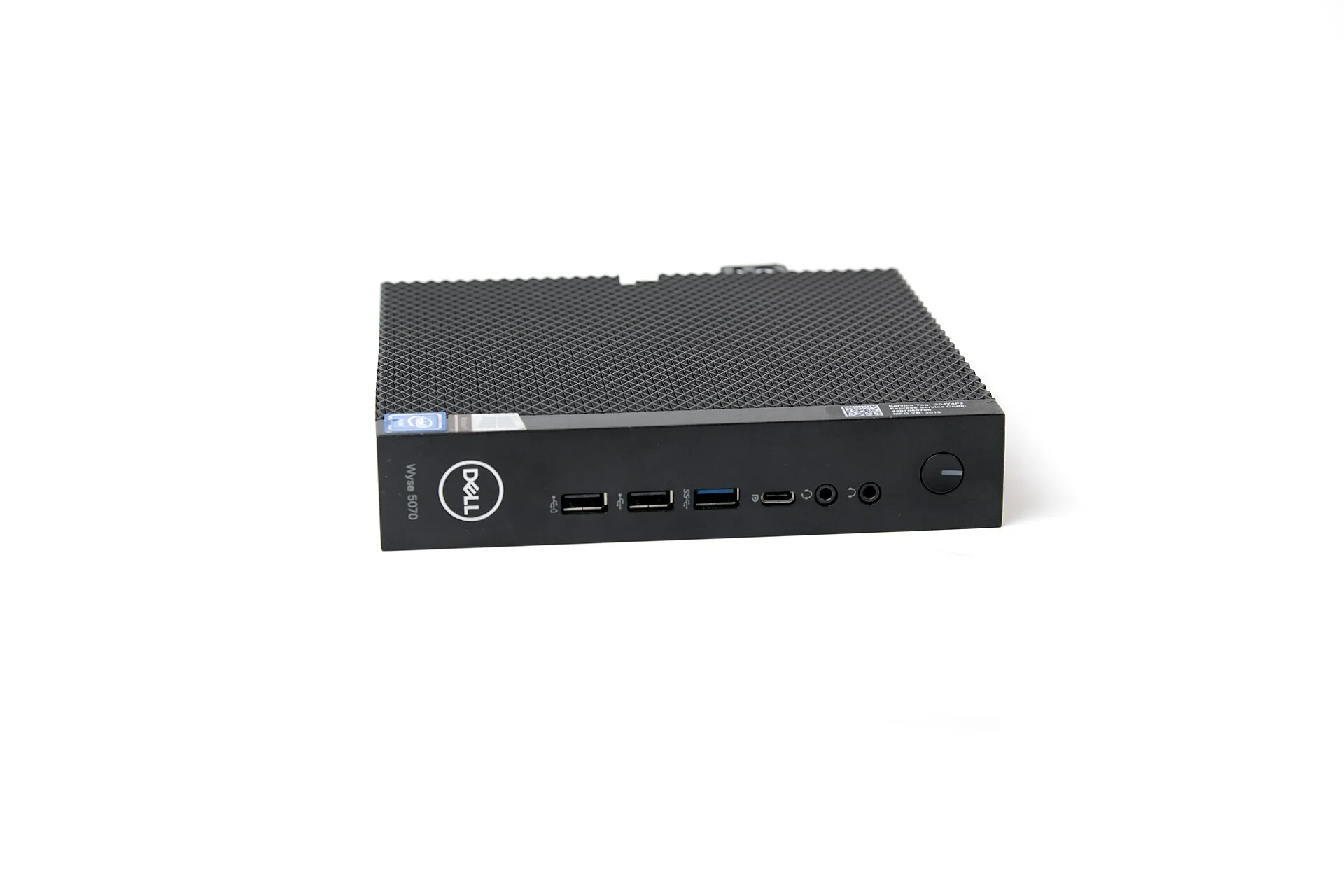
Setting up Zigbee2MQTT
Zigbee2MQTT is a Home Assistant add-on that translates Zigbee messages to MQTT. Install it from the Add-on Store:
- Settings → Add-ons → Add-on Store → search "Zigbee2MQTT"
- Configure the serial port in the configuration (e.g.
/dev/ttyUSB0) - Start the add-on and open the web interface
From there enable Permit join and each new Zigbee device will pair automatically.
Video guide: Watch the full guide on our YouTube channel.
Watch on YouTube →Conclusion
Zigbee is the most cost-effective and reliable option for a large number of smart devices. With one USB dongle and Zigbee2MQTT, you can control hundreds of devices from different manufacturers through Home Assistant.